
Settings Page
Open Herodotus - On This Day → Settings. Settings are stored in herodotus_settings. Save changes on the tab you edit.
| Tab | Availability | Contents |
|---|---|---|
| General | Free | Posts Limit, Sort Order, Excerpt Length and Default Image. Date controls are on the Display tab when Pro is active. |
| Display | Active Pro | Date Mode, Upcoming Days, heading, CTA text, visibility controls, sources and locations. |
| Shortcodes | Free | Copyable examples. This is a reference tab. |
| Data | Active Pro | JSON export/import, CSV/TXT/ZIP import and import history. Each operation has its own form. |
| Advanced | Free | Cache lifetime, Clear Cache Now and Remove Data on Uninstall. |
| Appearance | Active Pro | Colors, font sizes, image defaults, borders and lines. |
General
| Setting | Default | Meaning |
|---|---|---|
| Posts Limit | 10 | Maximum result count. In Pro Around today this applies per date. |
| Sort Order | ASC | Events are grouped by calendar date. Within each date, ASC puts earlier historical years first and DESC puts later years first. Titles break ties in the same direction. With Pro, Priority Events come first within their date. |
| Excerpt Length | 25 words | 0 falls back to 25. Compact uses 10 unless a positive per-instance length overrides it. |
| Default Image | Built-in no-image.svg | Placeholder when an event has no featured image. show_image="false" and Text layout omit it. |
The 1.6.8 sorting selector still uses A → Z / Z → A labels. Read them as ASC / DESC for the historical year and then the title, rather than title-only ordering.

Display in Pro
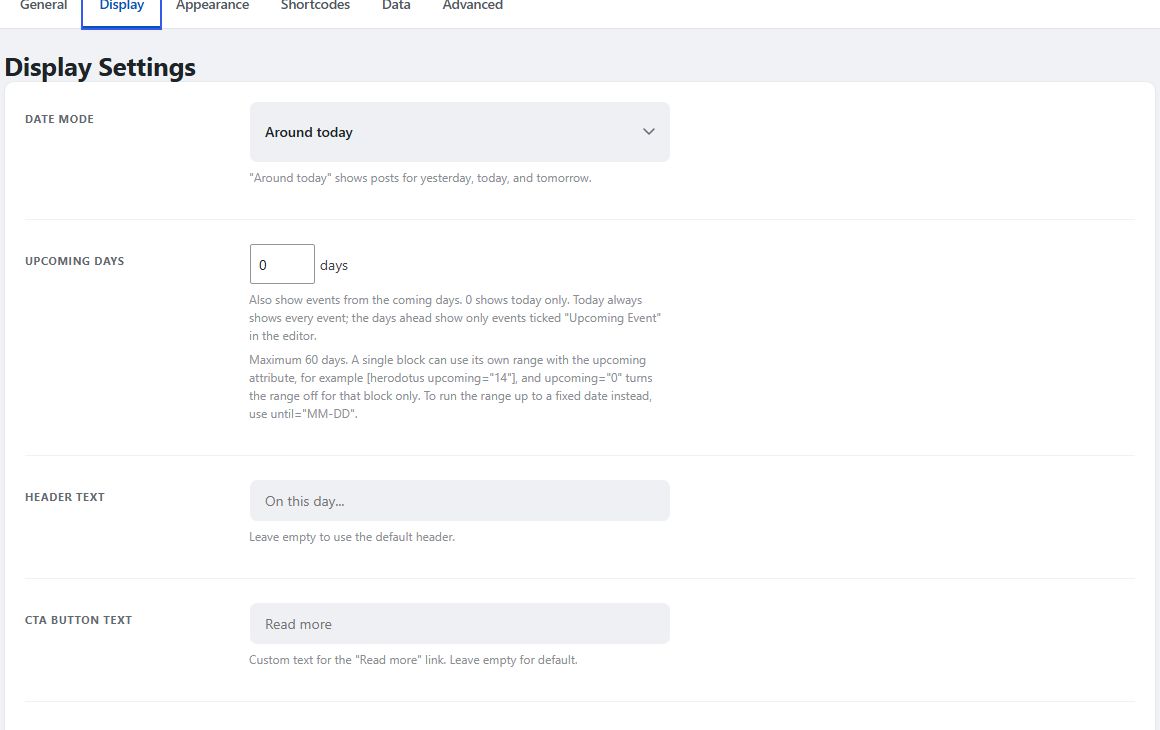
Date Mode and Upcoming Days are on this tab. Today is the default mode; Around today selects yesterday, today and tomorrow. Upcoming Days defaults to 0 and accepts 0-60; future dates require the event's Upcoming Event flag. Set a custom heading and Read more text, or hide the heading, excerpt, year badge, categories, tags and years-ago counter. Source and location controls determine whether those extra event fields are shown; sources also have a nofollow option.
Appearance in Pro
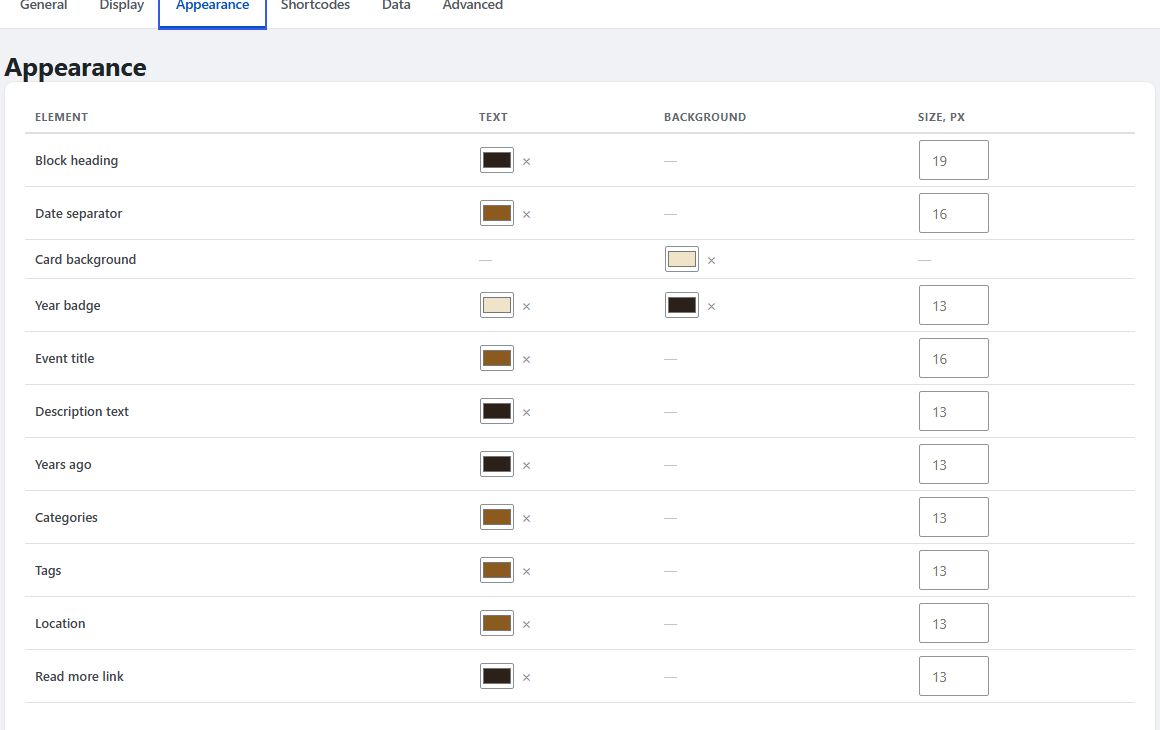
Set colors and font sizes for headings, date separators, badges, titles, descriptions, years ago, categories, tags, locations and Read more. Set card background, border color/thickness, the heading rule and timeline line. Compact keeps its own title/description size scale.
Empty fields leave the stylesheet defaults in control. Use Reset all to defaults to clear Appearance overrides, then save. Appearance does not change the content of your events.
Image controls cover shape, whole/cropped fitting and placement. See Layouts and Image Settings.
Shortcodes
Click an example to copy it, then paste it into a shortcode-capable area. Change attributes on that instance to override defaults.
Data in Pro
Use the controls in this tab to export/import JSON or preview and import CSV/TXT/ZIP files. See Import, Export and Data Removal.
Advanced
Cache Lifetime defaults to 3600 seconds. Set 0 to disable query caching. Clear Cache Now purges the plugin's cache; page caches and CDNs require a separate purge.
Remove Data on Uninstall is off by default. Enabling it authorizes permanent removal of events, their metadata, event categories and plugin settings when the free plugin is deleted. Back up first. See Data & Uninstallation.